
Submit a leave request
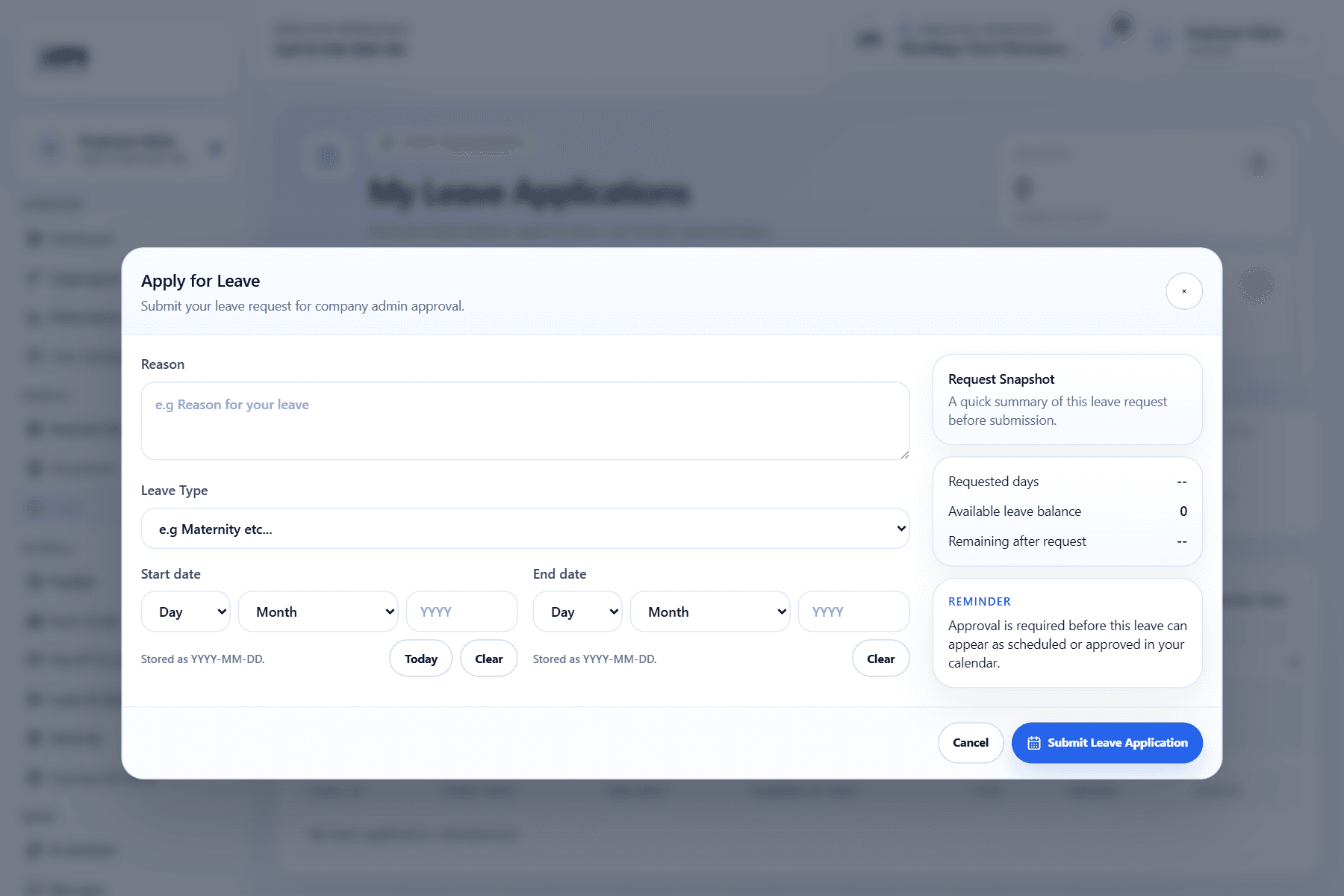
Leave requests let employees submit dates and notes to the company review workflow. Approved leave appears in company leave management views.
WiseWage SupportUpdated May 20264 min read
Available for: EmployeePlatform: HR Platform (Employees)Plan: Employee Portal
1Choose leave type and dates
2Add notes for approvers
3Submit and track status
Submit leave
- 1Open Leave in the employee portal.
- 2Choose the leave type.
- 3Enter start and end dates.
- 4Add notes if the approver needs context.
- 5Submit the request and track its status.