
Review employee requests
Employee Requests is the company-admin queue for employee-submitted changes and approvals. Review each request before it affects HR or payroll records.
WiseWage SupportUpdated May 20265 min read
Available for: Company Admin, HR Admin, Payroll AdminPlatform: HR PlatformPlan: Core HR, Payroll, Enterprise
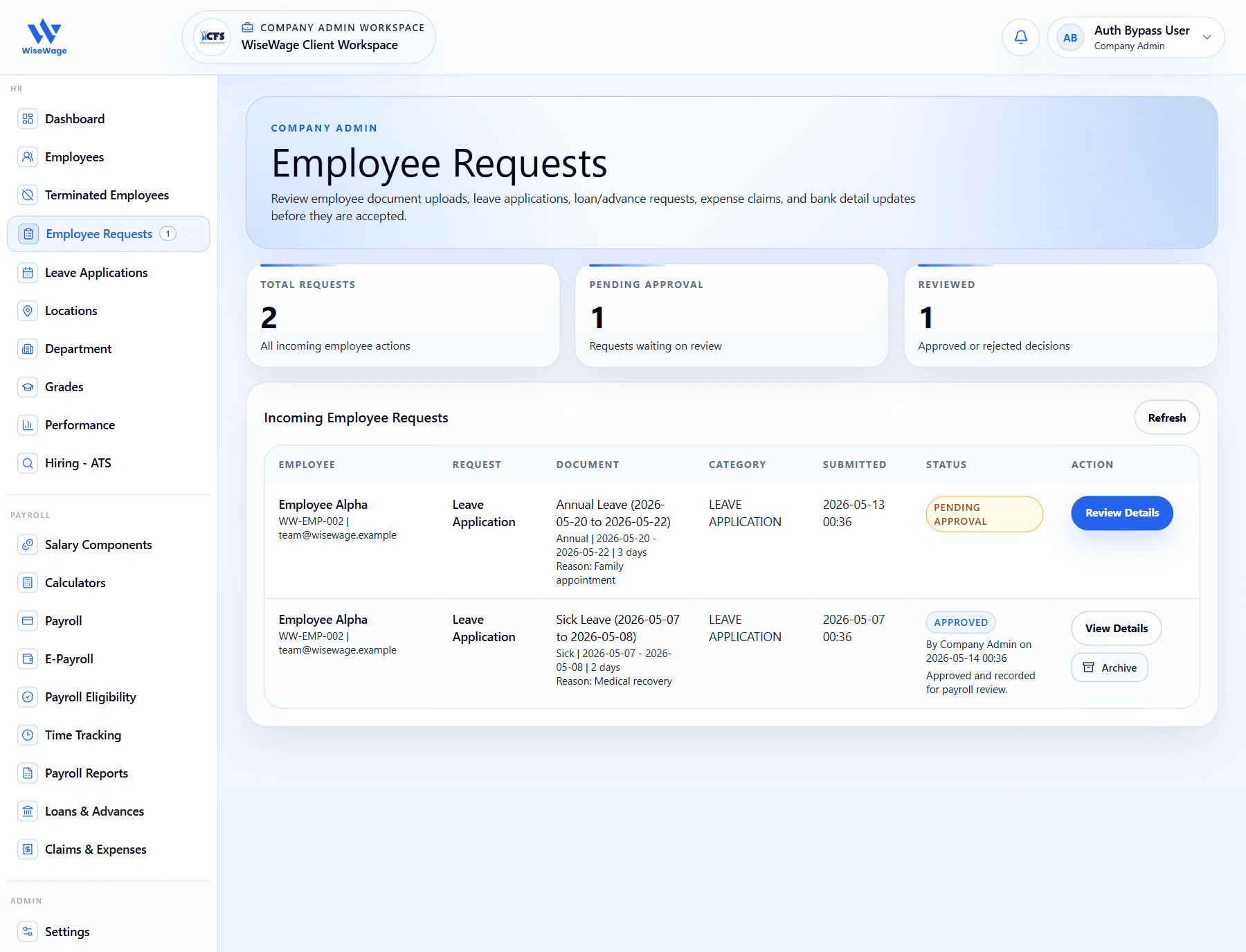
1Review pending and reviewed counts
2Check the employee request rows
3Open the pending request details
Review requests
- 1Open HR > Employee Requests.
- 2Filter by request type, status, employee, or date where needed.
- 3Open the request to review submitted details, supporting documents, and the current status.
- 4Check whether the request affects payroll, bank details, leave, claims, loans, or profile records.
Before action
- 1Compare the submitted data against existing employee records.
- 2Confirm the request is permitted under your company policy.
- 3Add a clear review comment when approving or rejecting.