
Track leave status
Leave status shows whether a request is awaiting review, approved, rejected, or already reflected in company leave views.
WiseWage SupportUpdated May 20263 min read
Available for: EmployeePlatform: HR Platform (Employees)Plan: Employee Portal
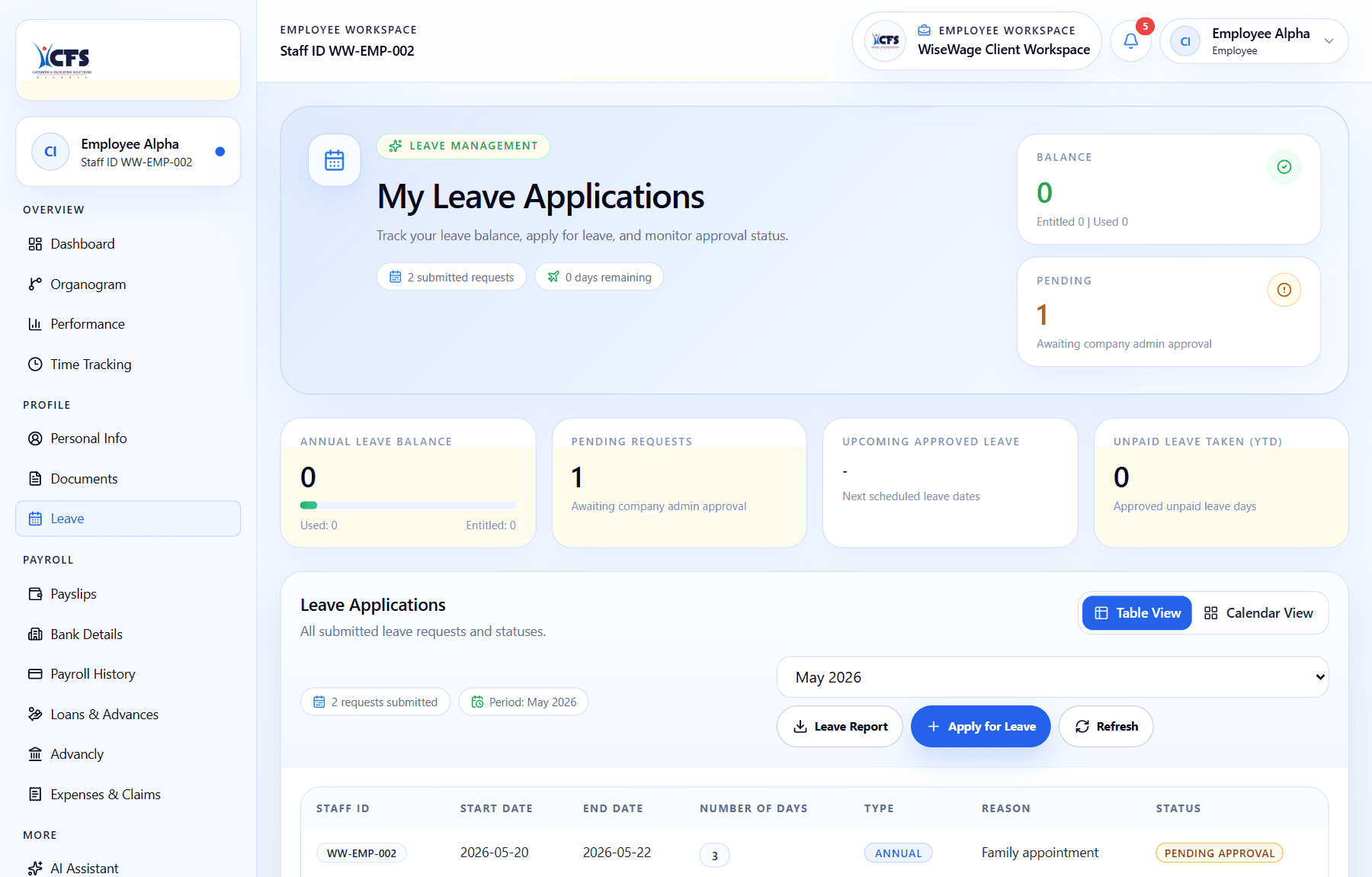
1Open Leave
2Review request status
3Check the request table
Check leave status
- 1Open Leave.
- 2Find the leave request.
- 3Review the status and any admin comments.
- 4Open the request if you need to confirm dates or notes.