
Review payroll history
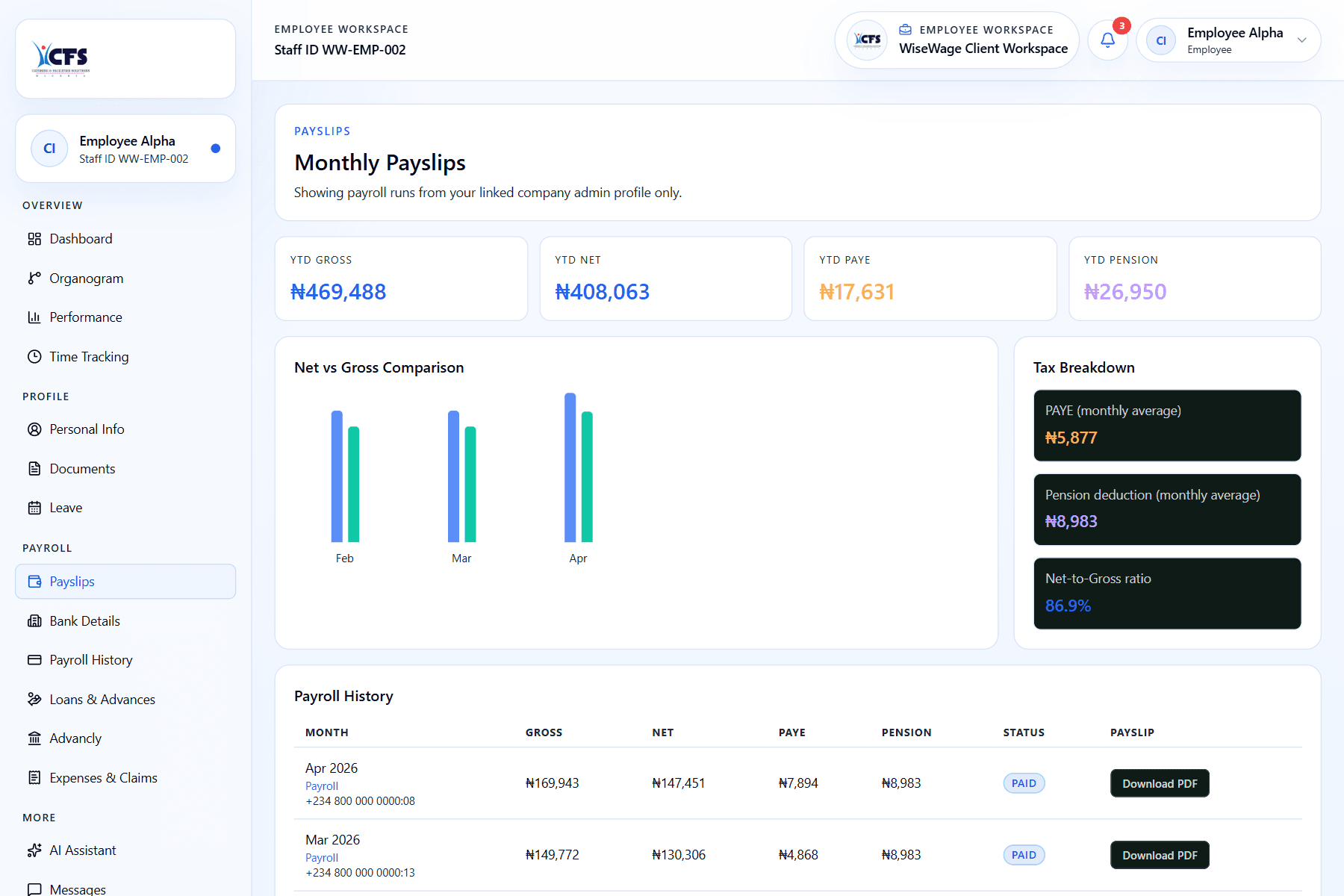
Payroll history gives employees a period-by-period view of completed payroll outputs so they can confirm earnings, deductions, and released payslips.
WiseWage SupportUpdated May 20264 min read
Available for: EmployeePlatform: Payroll Platform (Employees)Plan: Employee Portal
1Open payroll history
2Compare previous periods
3Open the matching payslip
Review previous payroll
- 1Sign in to the employee portal.
- 2Open Payroll History or Payslips.
- 3Select the month you want to review.
- 4Compare gross pay, deductions, PAYE, pension, and net pay.
- 5Download the payslip if you need a record.