
Manage leave applications
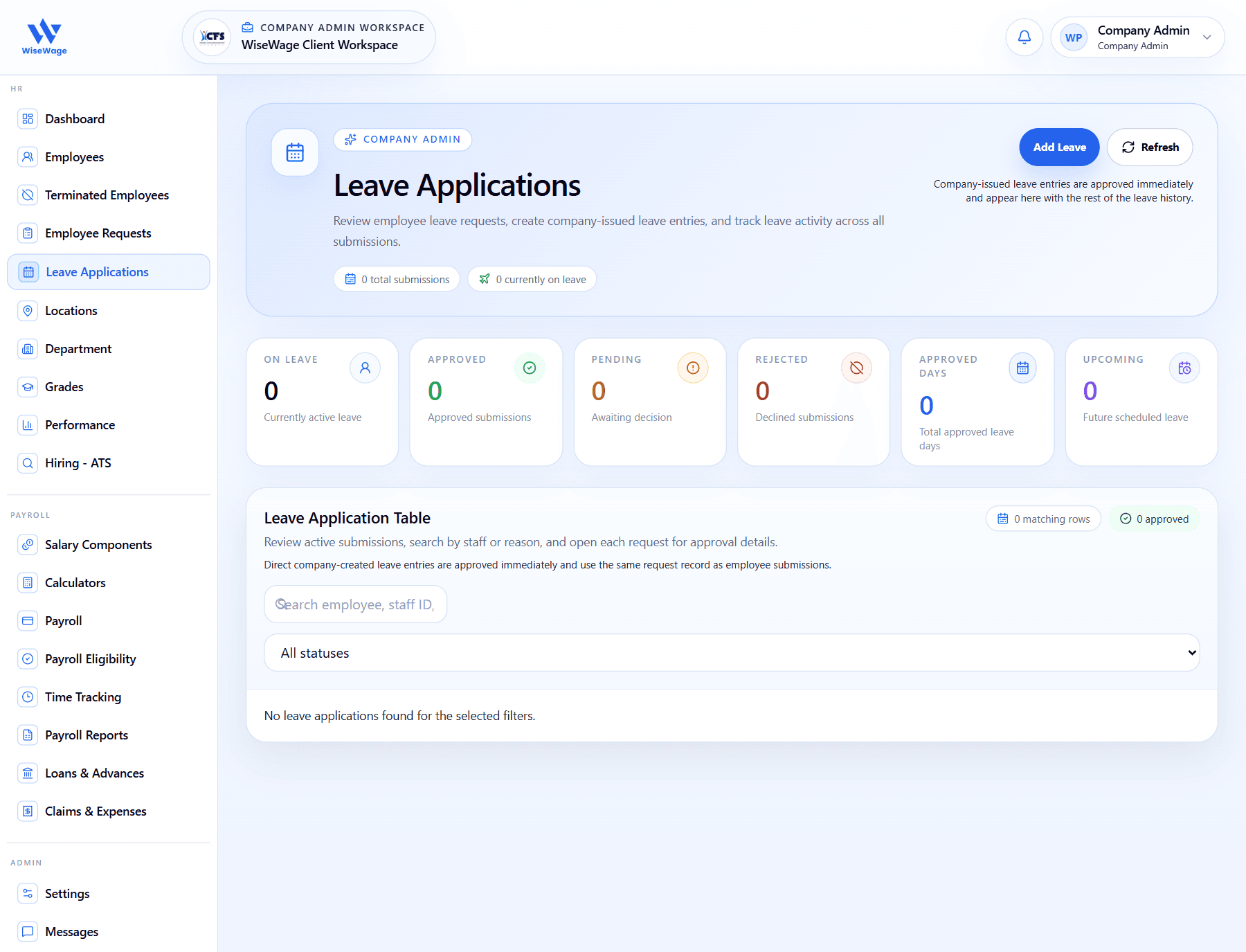
Leave Applications gives admins a single view of employee leave submissions and company-issued leave entries.
WiseWage SupportUpdated May 20265 min read
Available for: Company Admin, HR AdminPlatform: HR PlatformPlan: Core HR, Payroll, Enterprise
1Open Leave Applications
2Review leave status counts
3Search and filter applications
Manage leave applications
- 1Open HR > Leave Applications.
- 2Review the leave status summary for pending, approved, rejected, upcoming, and currently active leave.
- 3Search by employee, staff ID, or reason.
- 4Filter by status to focus on pending or approved applications.
- 5Open the relevant request if a decision or audit review is required.
Company-created leave
- 1Use Add Leave only for company-issued leave entries.
- 2Confirm the employee, dates, leave type, and reason before saving.
- 3Remember that company-created leave entries are approved immediately.