
Create performance review cycles
Performance review cycles define the review period, template, participants, and workflow status for employee performance reviews.
WiseWage SupportUpdated May 20265 min read
Available for: Company Admin, HR AdminPlatform: HR PlatformPlan: Performance, Enterprise
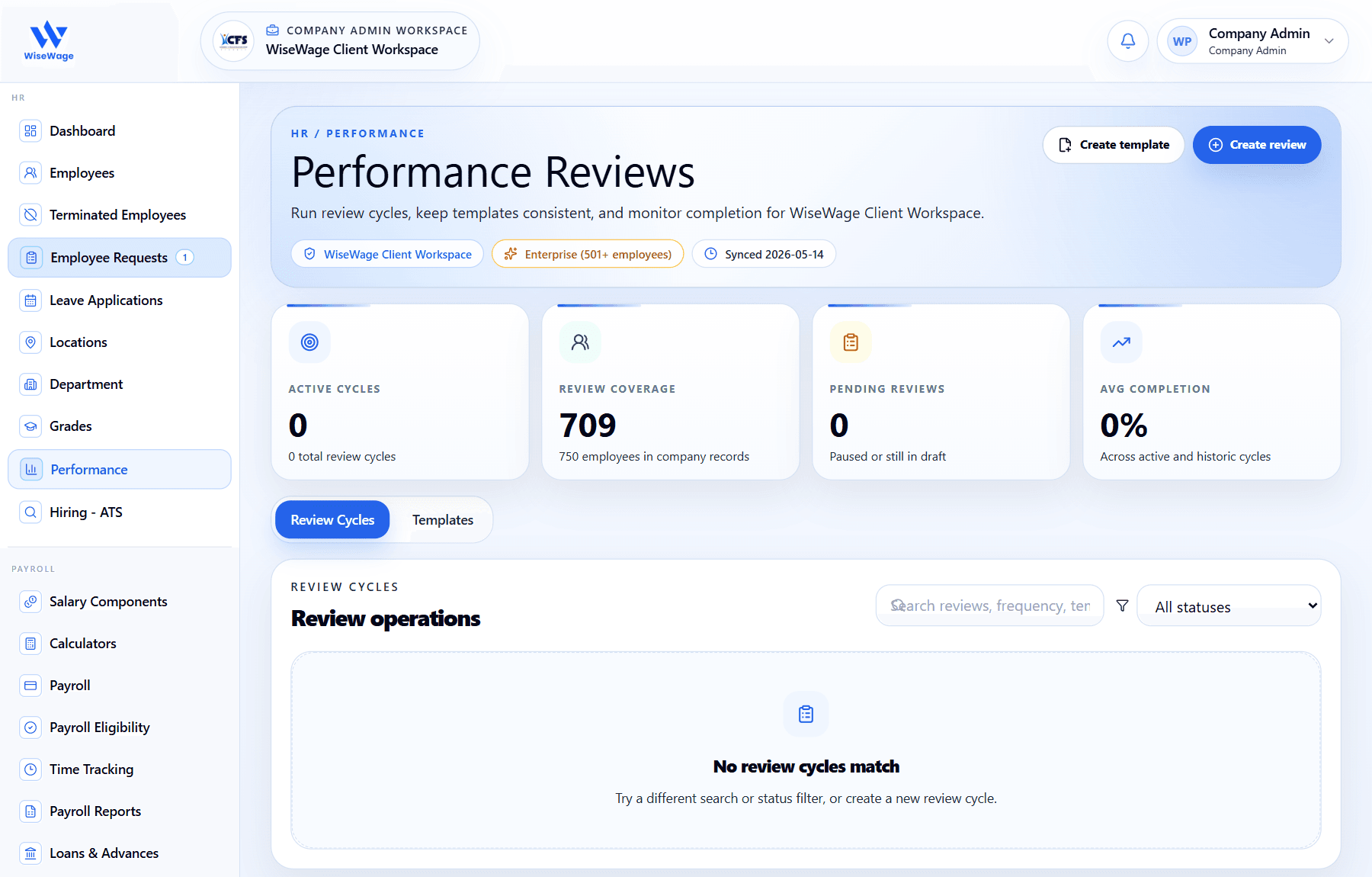
1Open Performance
2Create a review cycle
3Monitor review cycles
Create a review cycle
- 1Open HR > Performance.
- 2Choose or create the review template that should be used.
- 3Create a review cycle with a clear name, frequency, start date, and due date.
- 4Select the employees or teams that should participate.
- 5Publish or activate the cycle when the review is ready for employees.
Monitor progress
- 1Track submitted, pending, and completed responses.
- 2Send reminders to employees or managers who have not completed their part.
- 3Export responses when the cycle is ready for review or record keeping.