
Update bank details
Bank detail changes should be submitted early enough for payroll admins to review and approve them before the next payroll run.
WiseWage SupportUpdated May 20264 min read
Available for: EmployeePlatform: Payroll Platform (Employees)Plan: Employee Portal
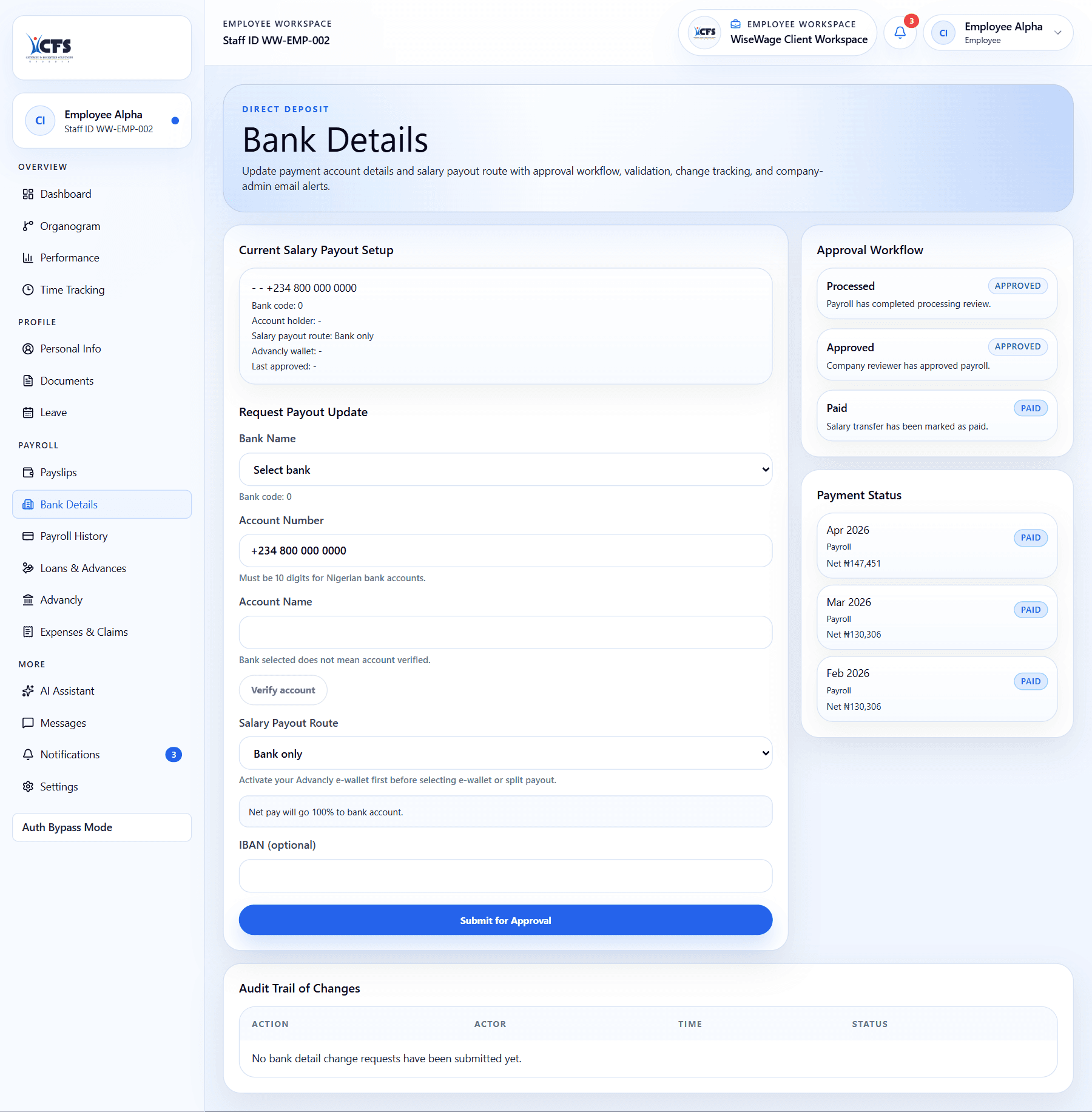
1Open Bank Details
2Enter the new account information
3Submit for admin review
Submit bank details
- 1Open Bank Details in the employee portal.
- 2Enter the account number, bank, and account name where required.
- 3Attach supporting evidence if your company requires it.
- 4Submit the request.
- 5Wait for admin approval before expecting payroll to use the new account.