
View the organogram
The organogram helps employees understand team structure, reporting lines, and where they sit in the company.
WiseWage SupportUpdated May 20263 min read
Available for: EmployeePlatform: HR Platform (Employees)Plan: Employee Portal
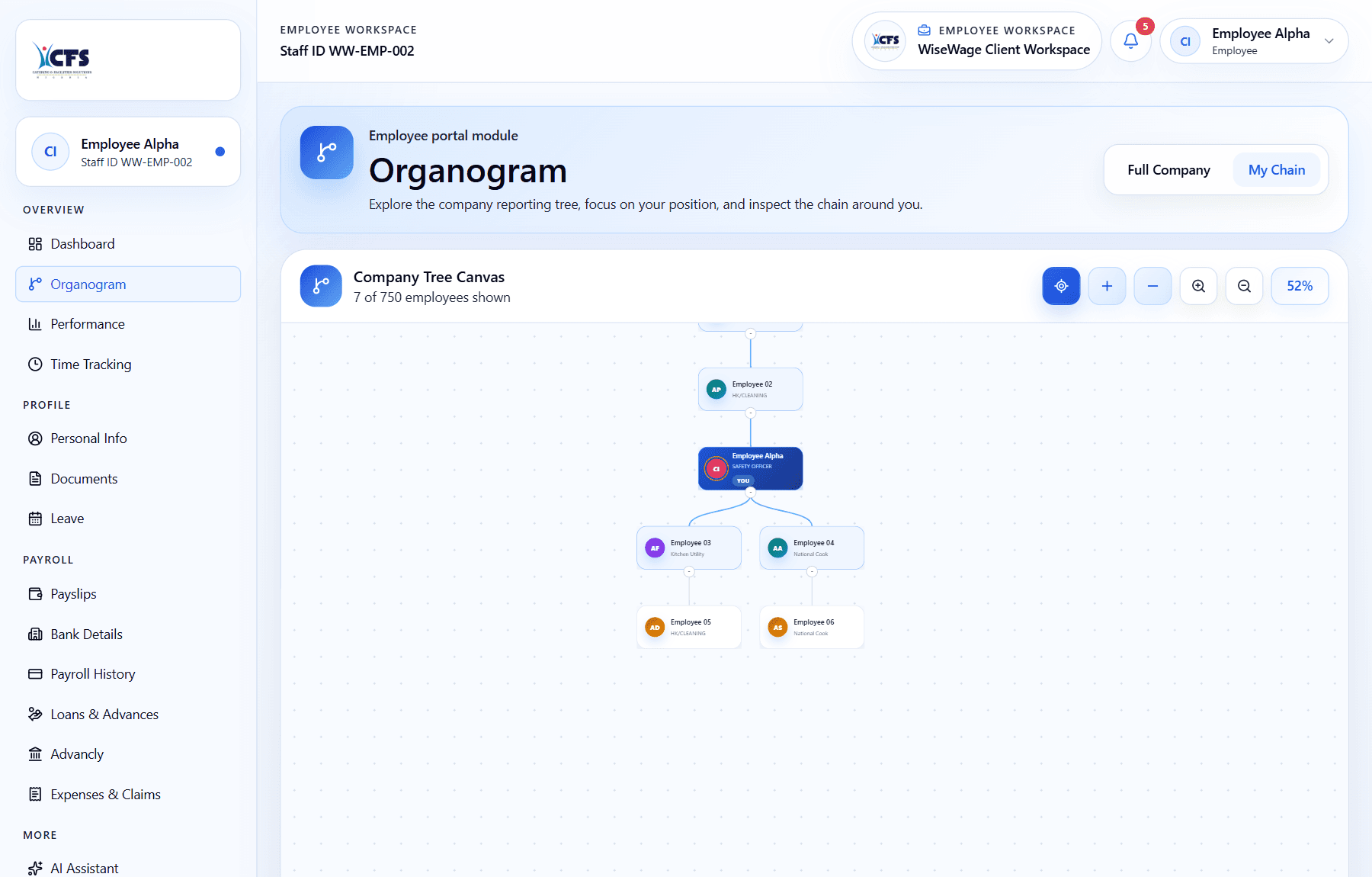
1Open Organogram
2Focus on My Chain
3Review manager, reports, and lower levels
Review the organogram
- 1Open Organogram.
- 2Find your name or department.
- 3Review reporting lines and team relationships.
- 4Open permitted details if you need more context.