
View payslips
Payslips show the employee's payroll output for completed payroll runs, including earnings, deductions, tax, and net pay.
WiseWage SupportUpdated May 20264 min read
Available for: EmployeePlatform: Payroll Platform (Employees)Plan: Employee Portal
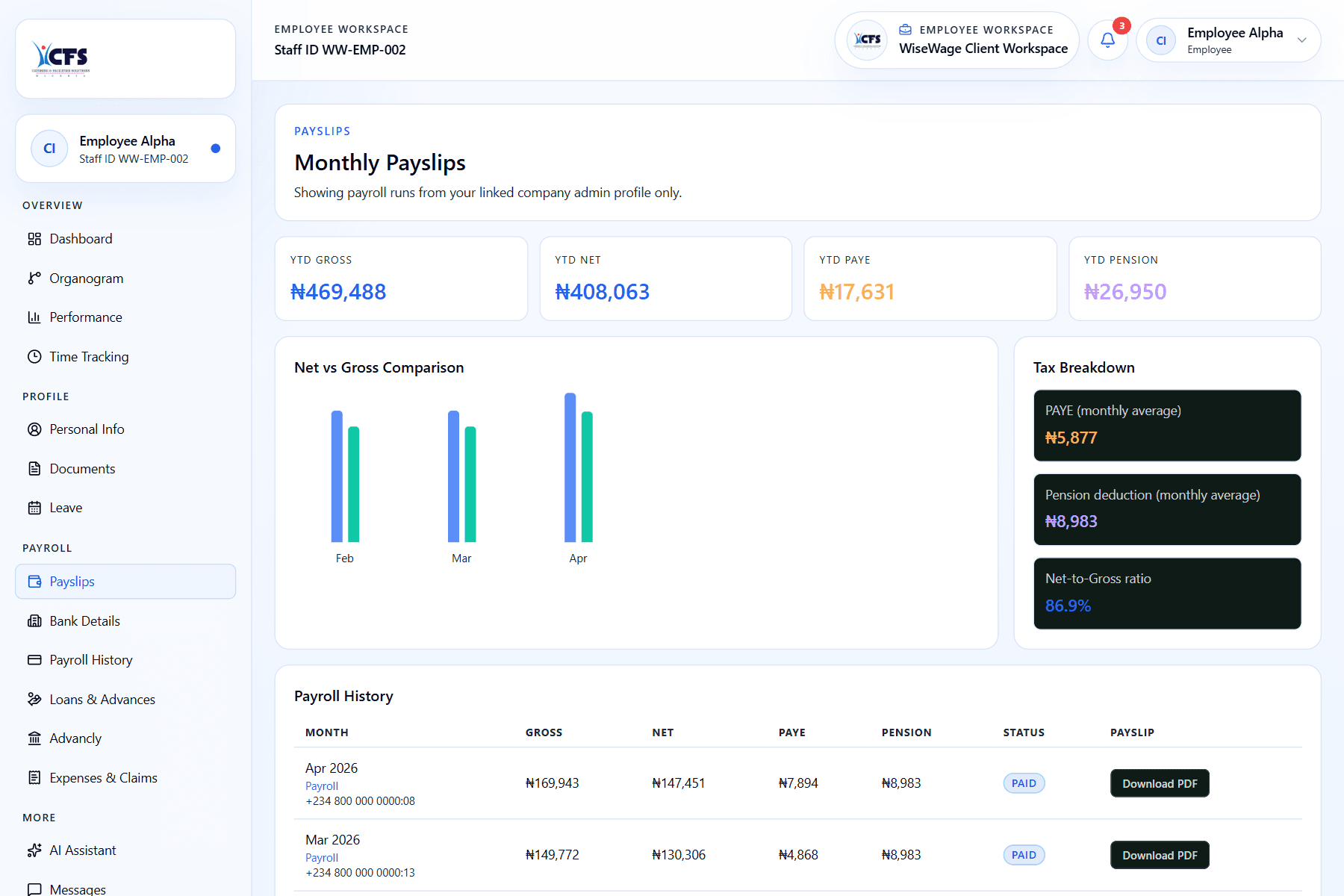
1Open My Pay or Payslips
2Review earnings and deductions
3Use downloaded copies for records
View a payslip
- 1Sign in to the employee portal.
- 2Open My Pay or Payslips.
- 3Select the payroll period you want to review.
- 4Open the payslip and download a copy if needed.