
Submit profile change requests
Profile change requests let employees correct records without directly overwriting sensitive payroll or HR data.
WiseWage SupportUpdated May 20264 min read
Available for: EmployeePlatform: HR Platform (Employees)Plan: Employee Portal
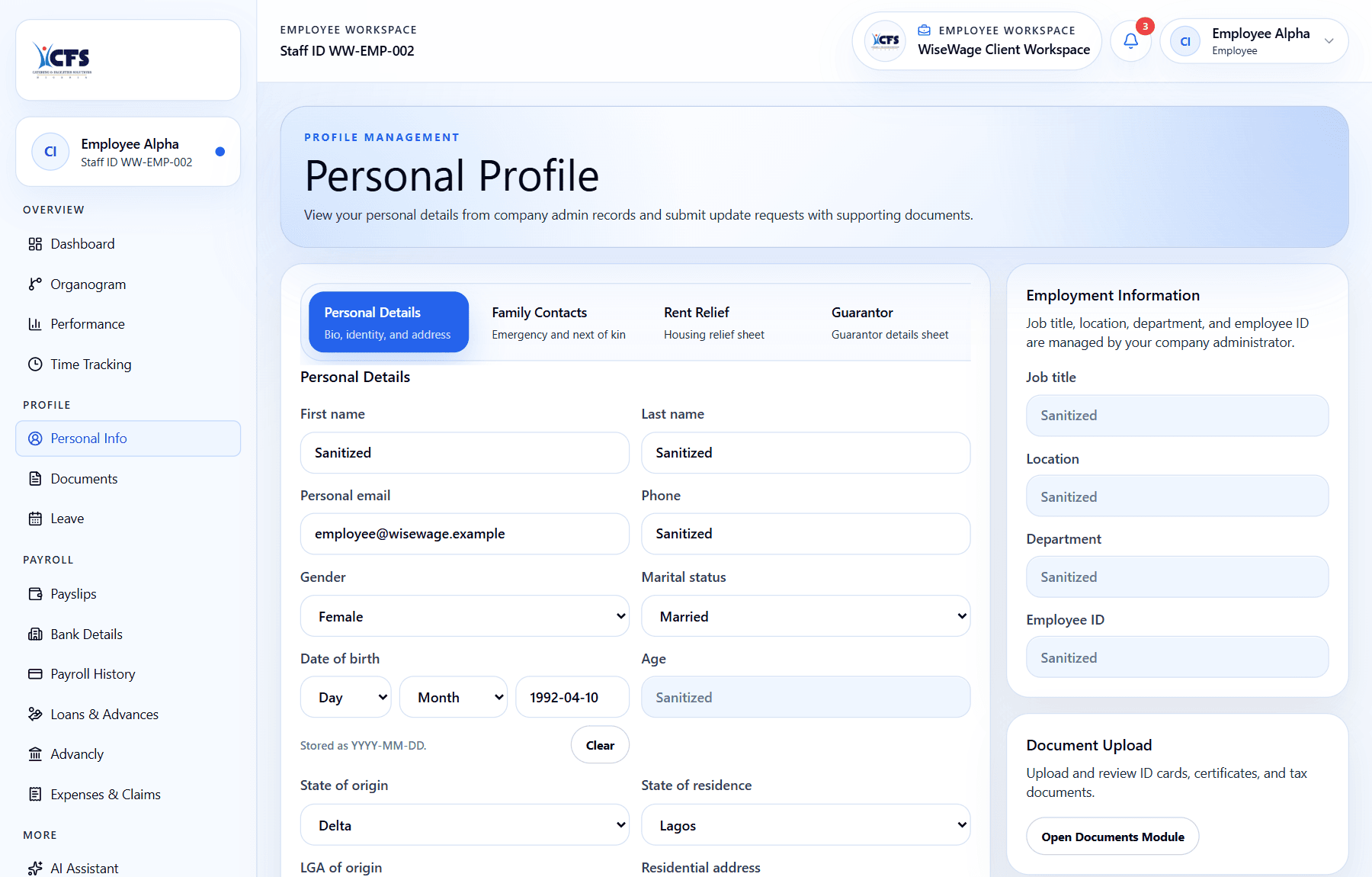
1Open Personal Info
2Review editable profile fields
3Check admin-managed employment fields
Request a profile change
- 1Open Profile.
- 2Choose the section that needs an update.
- 3Enter the corrected information.
- 4Attach supporting documents if required.
- 5Submit the request and wait for review.