
Manage your employee profile
The employee profile keeps personal, payroll, document, and employment details visible to employees while routing sensitive updates through approval when required.
WiseWage SupportUpdated July 20265 min read
Available for: EmployeePlatform: HR Platform (Employees)Plan: Employee Portal
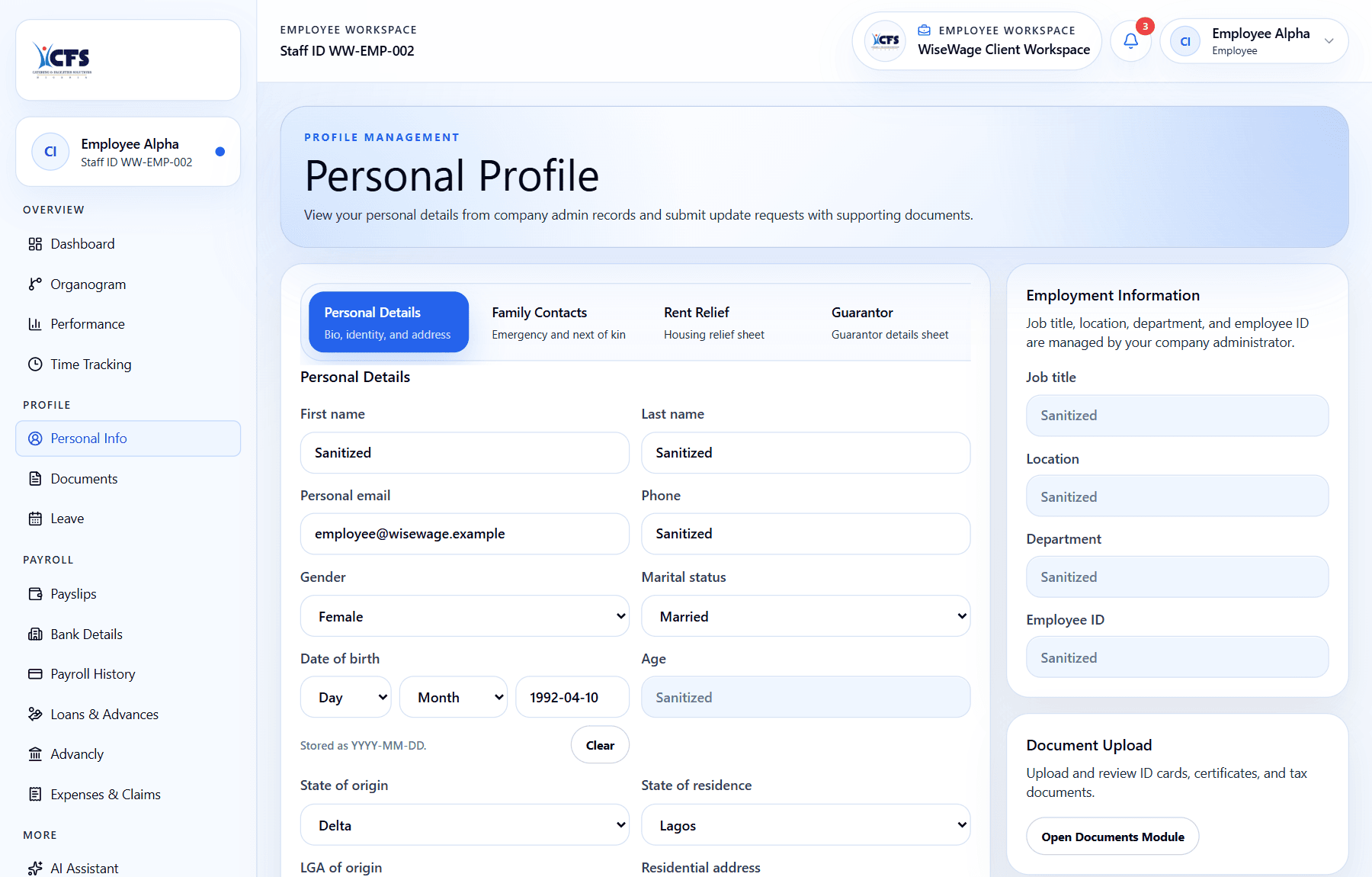
1Review your profile sections
2Upload supporting documents where needed
3Submitted changes enter admin review
Update profile information
- 1Open Profile in the employee portal.
- 2Review personal, bank, pension, document, and employment sections.
- 3For State of origin and State of residence, select Abuja for the Federal Capital Territory. Imported values such as FCT or Federal Capital Territory are saved as Abuja.
- 4Submit requested changes with supporting documents where required.
- 5Track the request status after submission.