
Upload employee documents
Document uploads keep employee records complete and give company admins the files they need for payroll, HR, or compliance review.
WiseWage SupportUpdated May 20264 min read
Available for: EmployeePlatform: HR Platform (Employees)Plan: Employee Portal
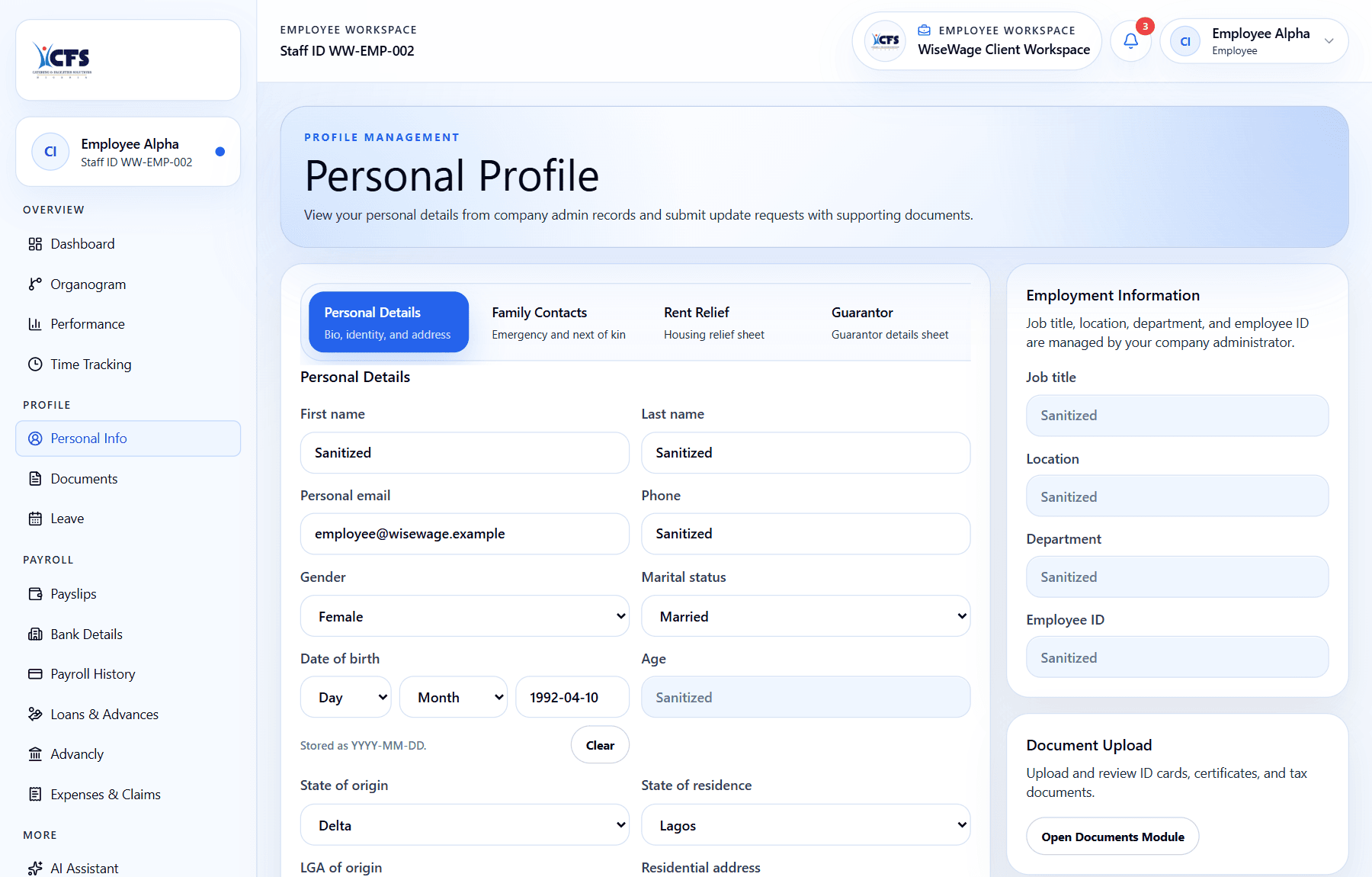
1Open Documents
2Use the Document Upload card
Upload a document
- 1Open Documents or Profile.
- 2Choose the document category.
- 3Upload the file from your device.
- 4Add notes if needed.
- 5Submit and confirm the document appears in your record.