
Create grades
Grades help classify employees into internal bands or levels. Set them up before assigning staff grades through employee records or imports.
WiseWage SupportUpdated May 20264 min read
Available for: Company Admin, HR AdminPlatform: HR PlatformPlan: Core HR, Payroll, Enterprise
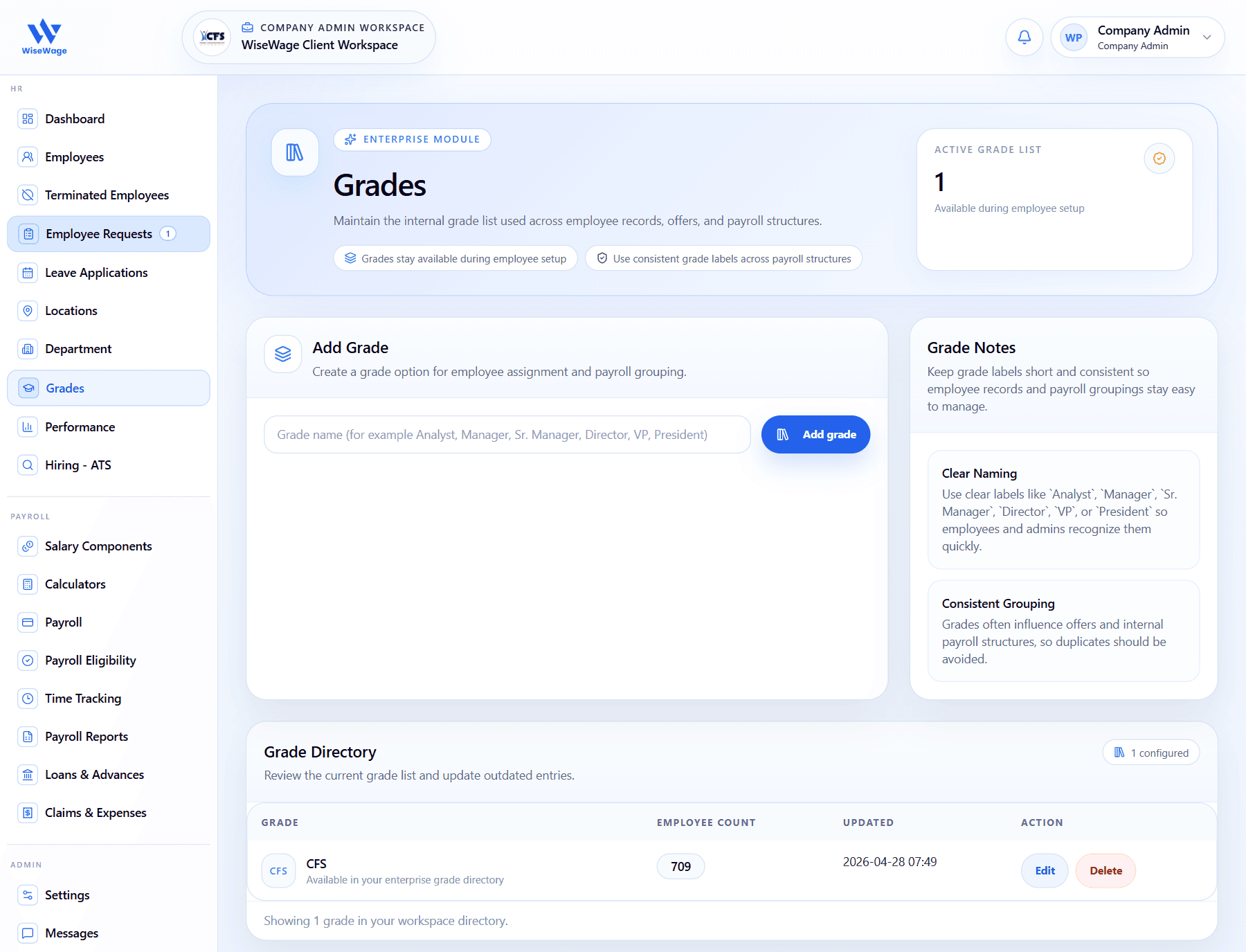
1Open Grades
2Add a grade
3Review grade directory
Create a grade
- 1Open HR > Grades.
- 2Enter the grade name, such as Associate, Supervisor, Manager, or Director.
- 3Save the grade record.
- 4Avoid duplicate grade labels with different spelling.
- 5Assign the grade to employees from their profile or import data.