
Manage performance templates
Performance templates define the questions and scoring structure used in review cycles. Keep templates clear before assigning them to employees.
WiseWage SupportUpdated May 20265 min read
Available for: Company Admin, HR AdminPlatform: HR PlatformPlan: Performance, Enterprise
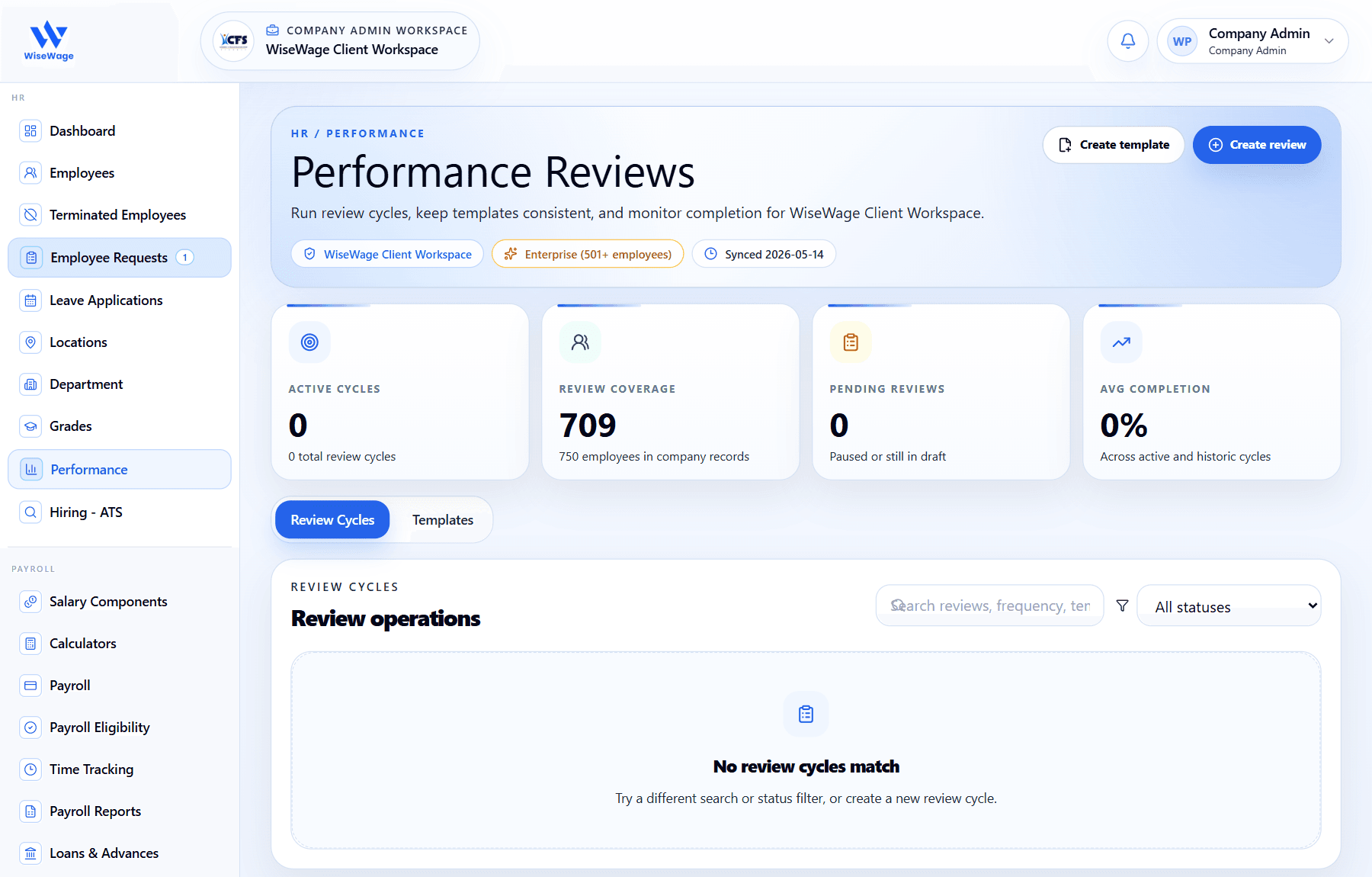
1Open Performance
2Create a template
3Switch to Templates
Manage templates
- 1Open HR > Performance.
- 2Open the templates area.
- 3Create a new template or duplicate an existing one.
- 4Add the review questions, rating fields, and written response prompts.
- 5Save the template before using it in a review cycle.
Template quality
- 1Use question wording that matches your company review policy.
- 2Avoid changing active templates in a way that invalidates open review cycles.
- 3Export or retain template copies where your review process requires audit evidence.