
Create locations
Locations represent the places employees work from. They support employee setup, payroll filtering, and location-based reports.
WiseWage SupportUpdated May 20264 min read
Available for: Company Admin, HR AdminPlatform: HR PlatformPlan: Core HR, Payroll, Enterprise
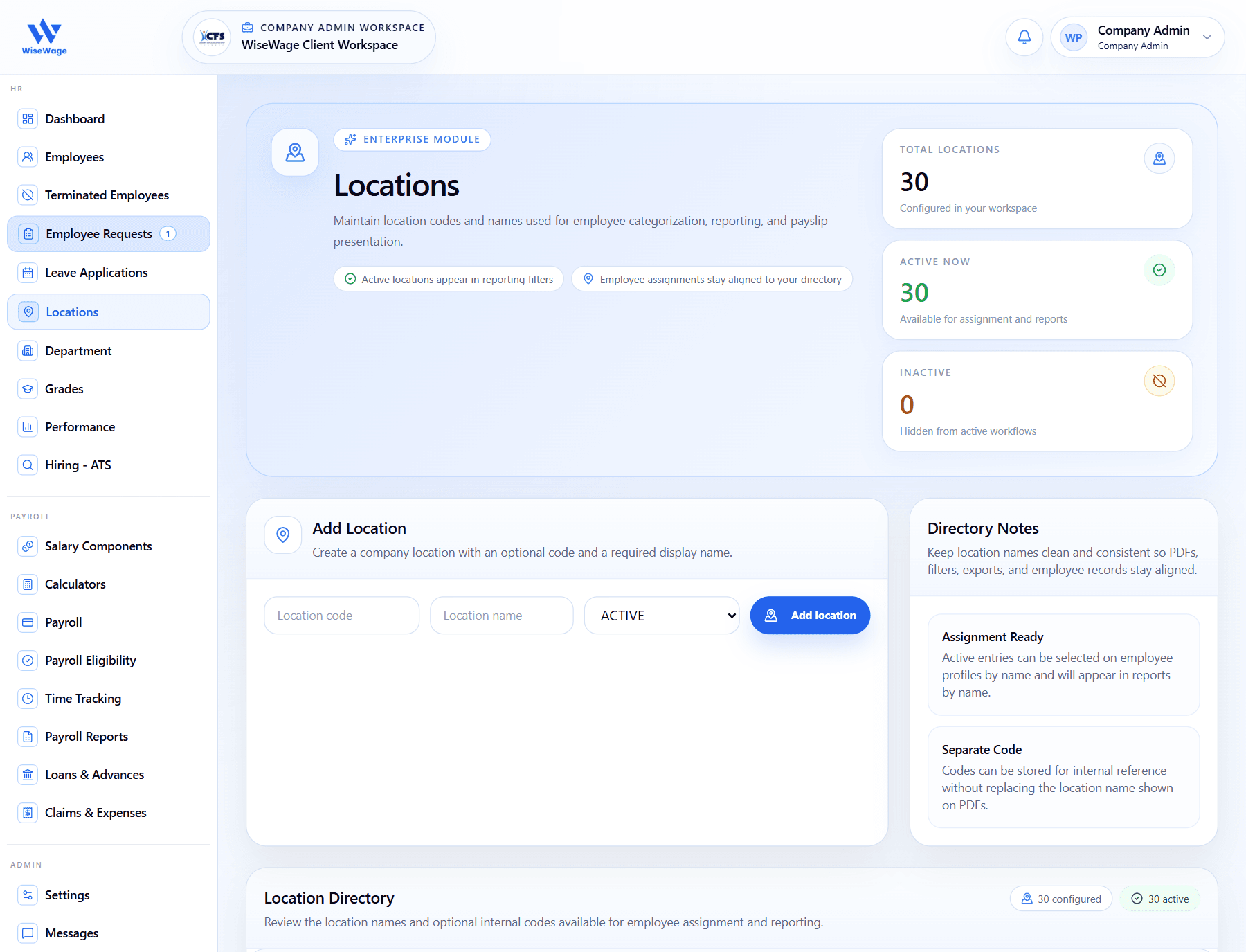
1Open Locations
2Add a location
3Review active locations
Create a location
- 1Open HR > Locations.
- 2Enter the location name and code where applicable.
- 3Save the location.
- 4Keep location names consistent with employee records and imports.
- 5Assign employees to the location from their employee profile or import file.