
Use messages
Messages keep employee communication inside the WiseWage portal so payroll and HR updates remain easy to find.
WiseWage SupportUpdated May 20263 min read
Available for: EmployeePlatform: HR Platform (Employees)Plan: Employee Portal
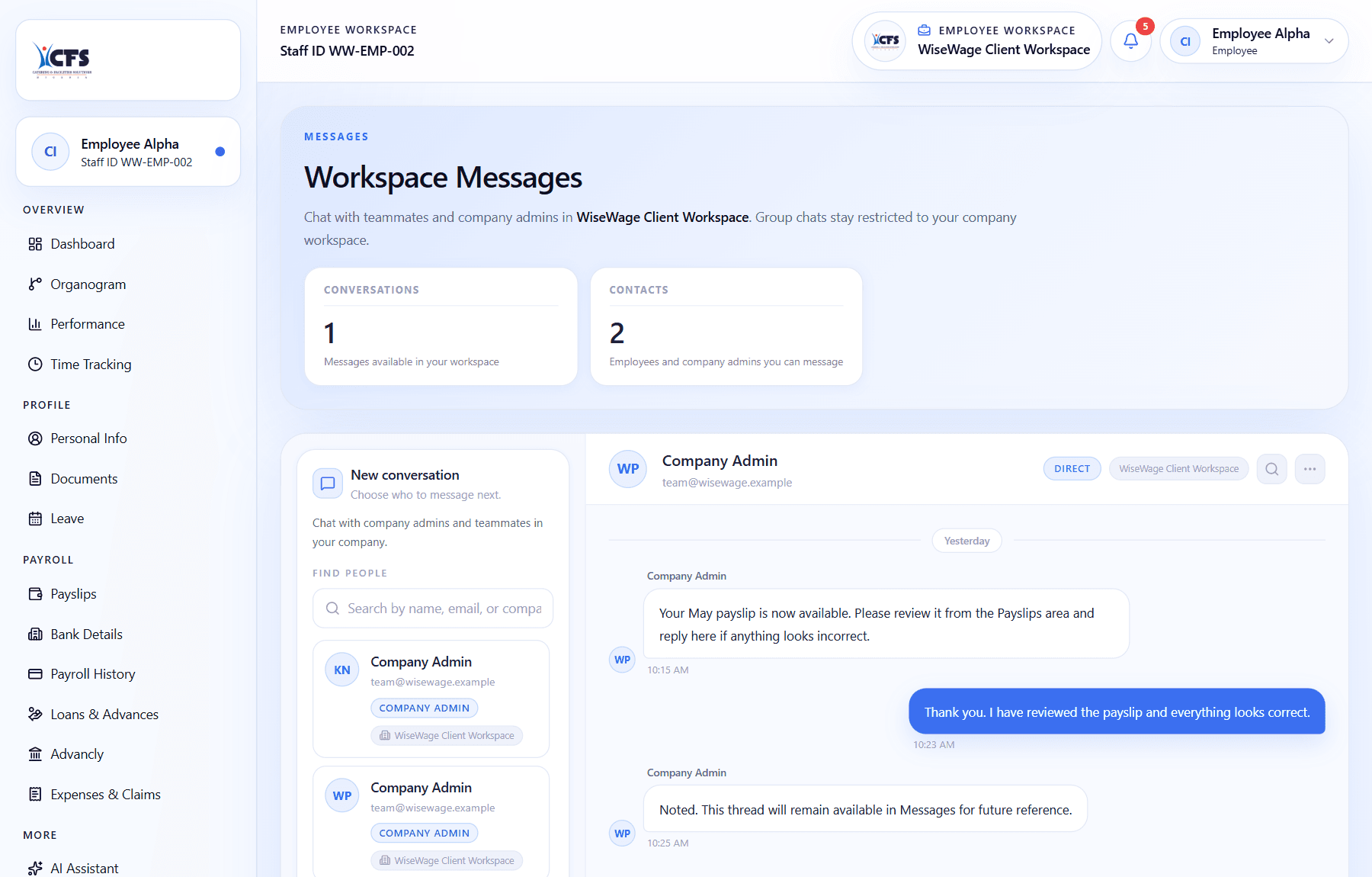
1Review workspace conversations
2Open the message thread
3Read replies and updates
Send or read a message
- 1Open Messages.
- 2Select an existing thread or start a new message where available.
- 3Enter your message.
- 4Send it and monitor replies or notifications.